YOUR PERSONAL IMAGE STUDIO
Every frame.Yours.
From a collection of photos to a body of work. Find your expression with color, masks and portrait tools.
Explore the studio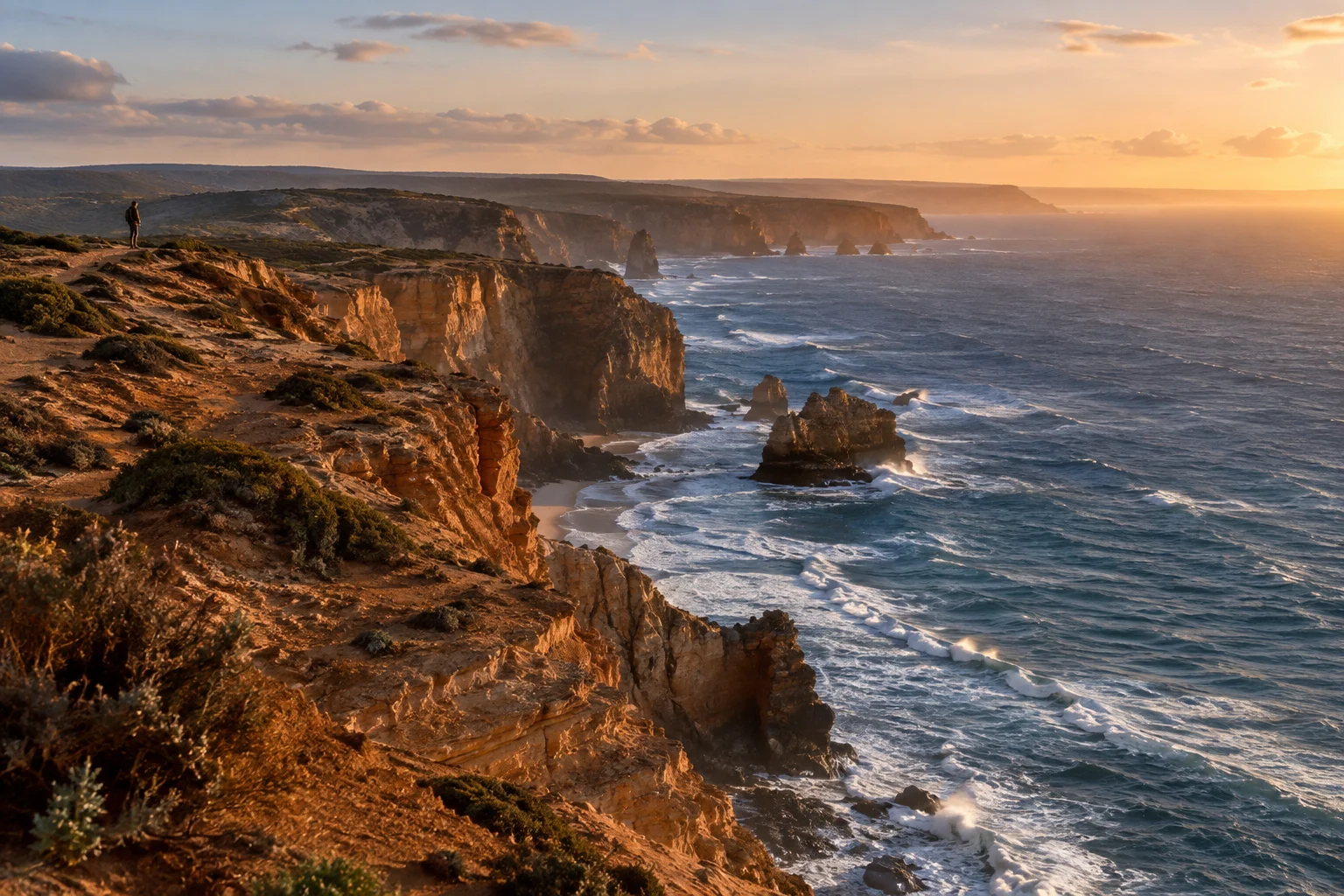
01 / Color
A small adjustment.A different expression.
Explore light and color, and find a look of your own.
Double-click a slider to restore its default. Arrow keys also adjust values.
Interactive illustration · AI-generated image. Actual processing takes place in the app.
02 / Masks
Light,where you want it.
Subject, background, sky. Adjust only the area you choose.
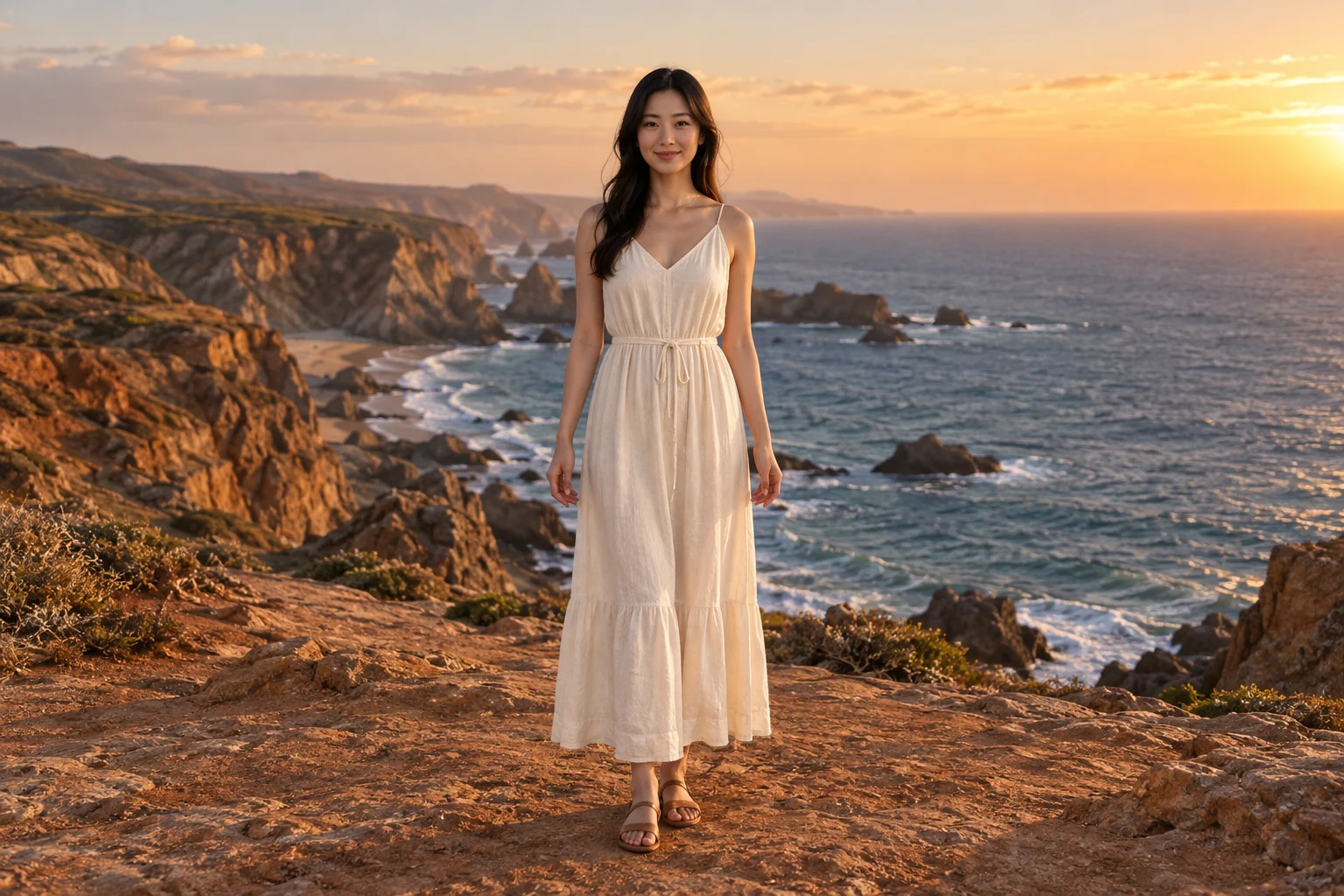
Mask interaction illustration · Preset areas, not live detection.
Choose brush or erase, then drag on the photo. Browse mode allows normal scrolling.
The app supports multiple local layers. This example shows one area at a time and preserves each mode’s settings.
03 / Portrait
A lighter touch.Your details, your choice.
Refine skin, facial details and shape with your own creative judgment.
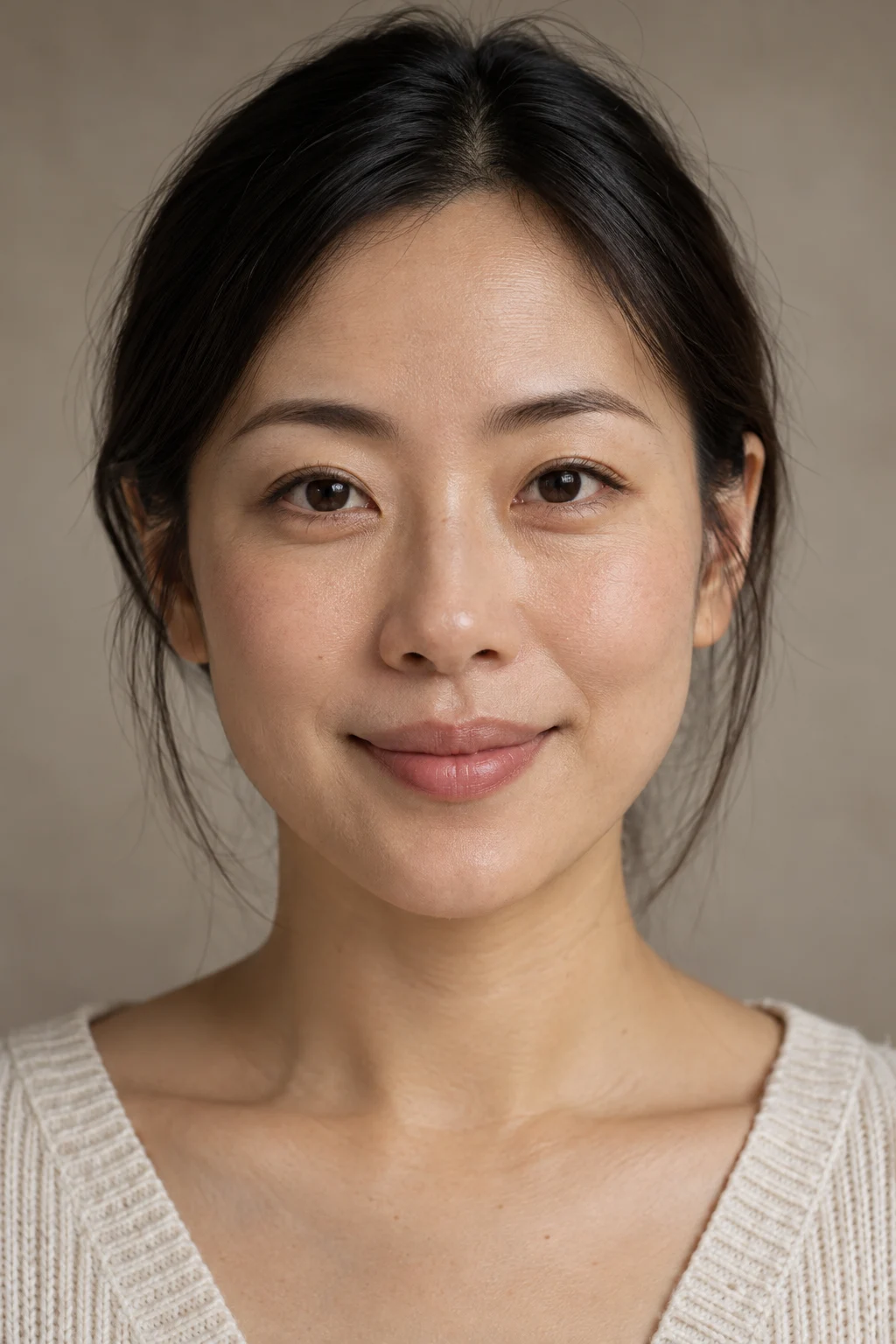
Portrait interaction illustration · AI-generated image; browser-based skin effects.
Facial details
Position illustration: shows where adjustments apply, without real facial or body deformation.
Body shaping
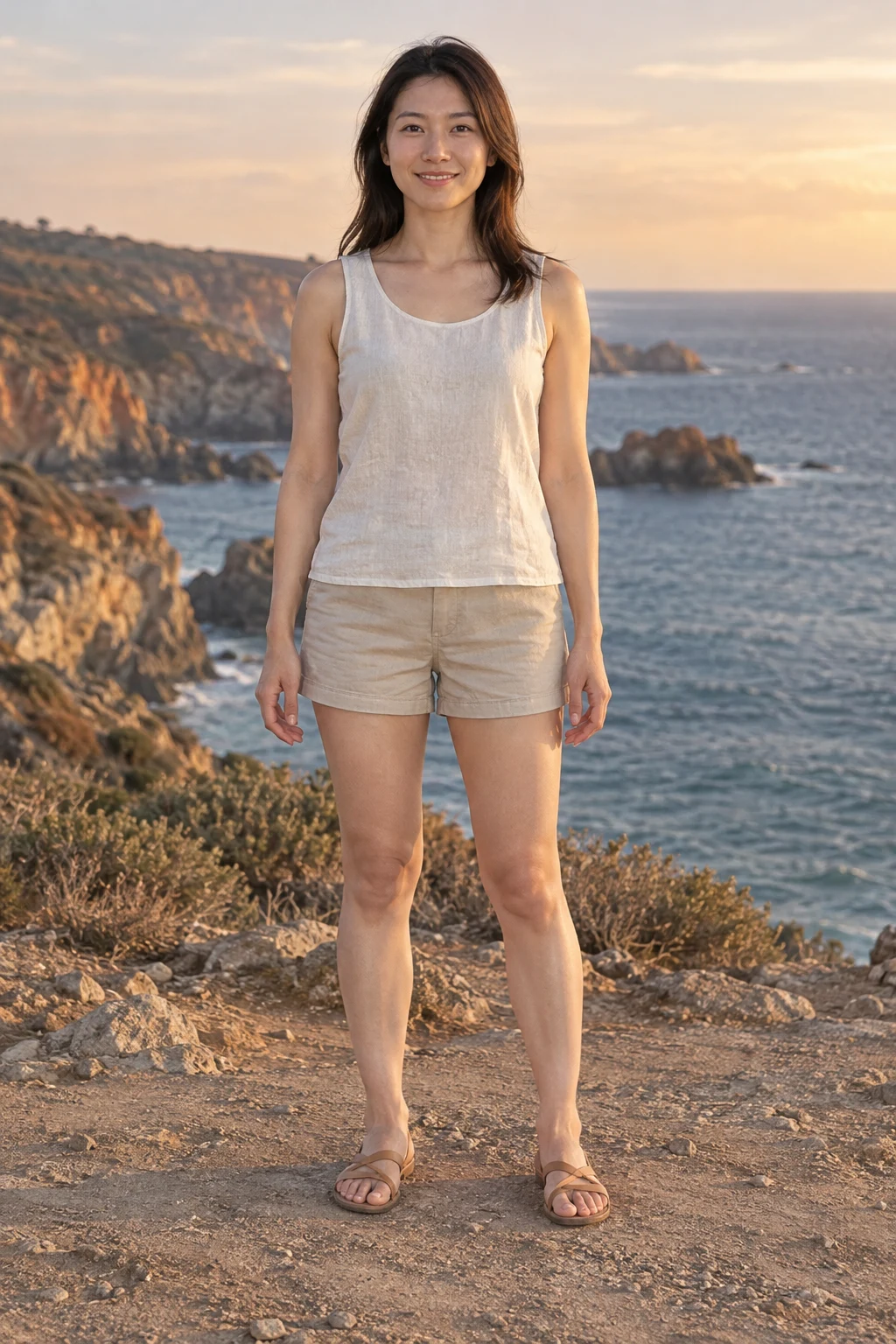
Position illustration: shows where adjustments apply, without real facial or body deformation.
The app enables reliable adjacent joint segments. Missing or obscured joints are not invented. Leg length needs both complete legs and confirmed foot areas.
Double-click a slider to restore its default. Arrow keys also adjust values.
04 / Pro tools
Precision inevery shade of light.
Precise tools give creative freedom a solid foundation.
RGB curves
Shape tone and contrast with a combined RGB curve or individual color channels.
Tool layout illustration
Continue refining in the app with sharpening, standard noise reduction and experimental local AI denoising.
05 / Workflow
From the shootto the finished work.
More than editing. A complete creative workflow.
- 01
Organize & cull
Folder import, deduplication, events and tags keep the shoot organized. Confirm suggested picks before adding them to favorites.
- 02
Per-photo batch enhancement
Analyze exposure and warmth per photo, then unify the look. Preserve manual adjustments, crops and local edits.
- 03
Precise retouching
Curves, HSL, masks, portrait tools and crop bring the details into your creative direction.
- 04
High-quality export
Export sharing JPEGs, full-size files or 16-bit TIFF masters. Continue interrupted tasks from their saved progress.
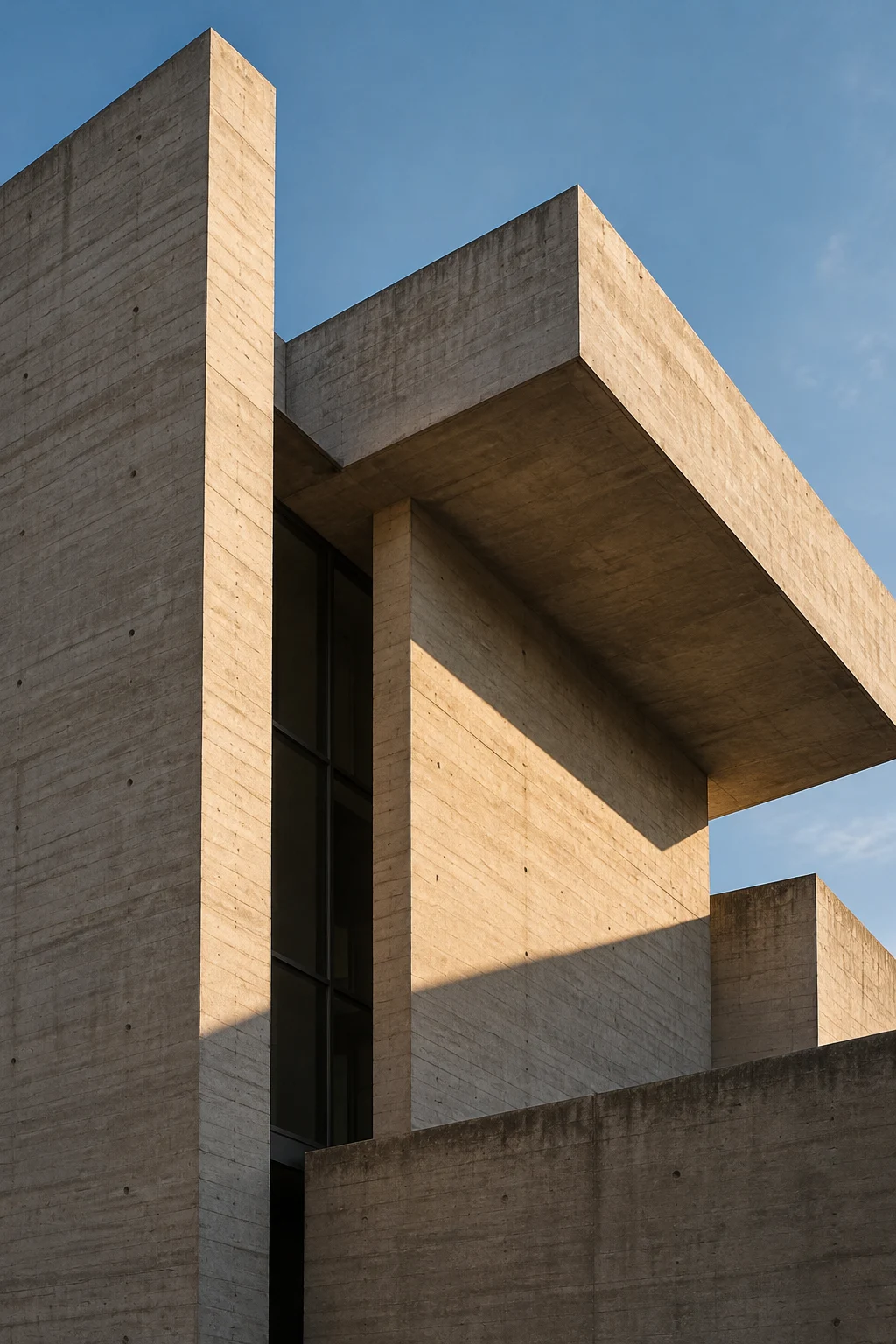
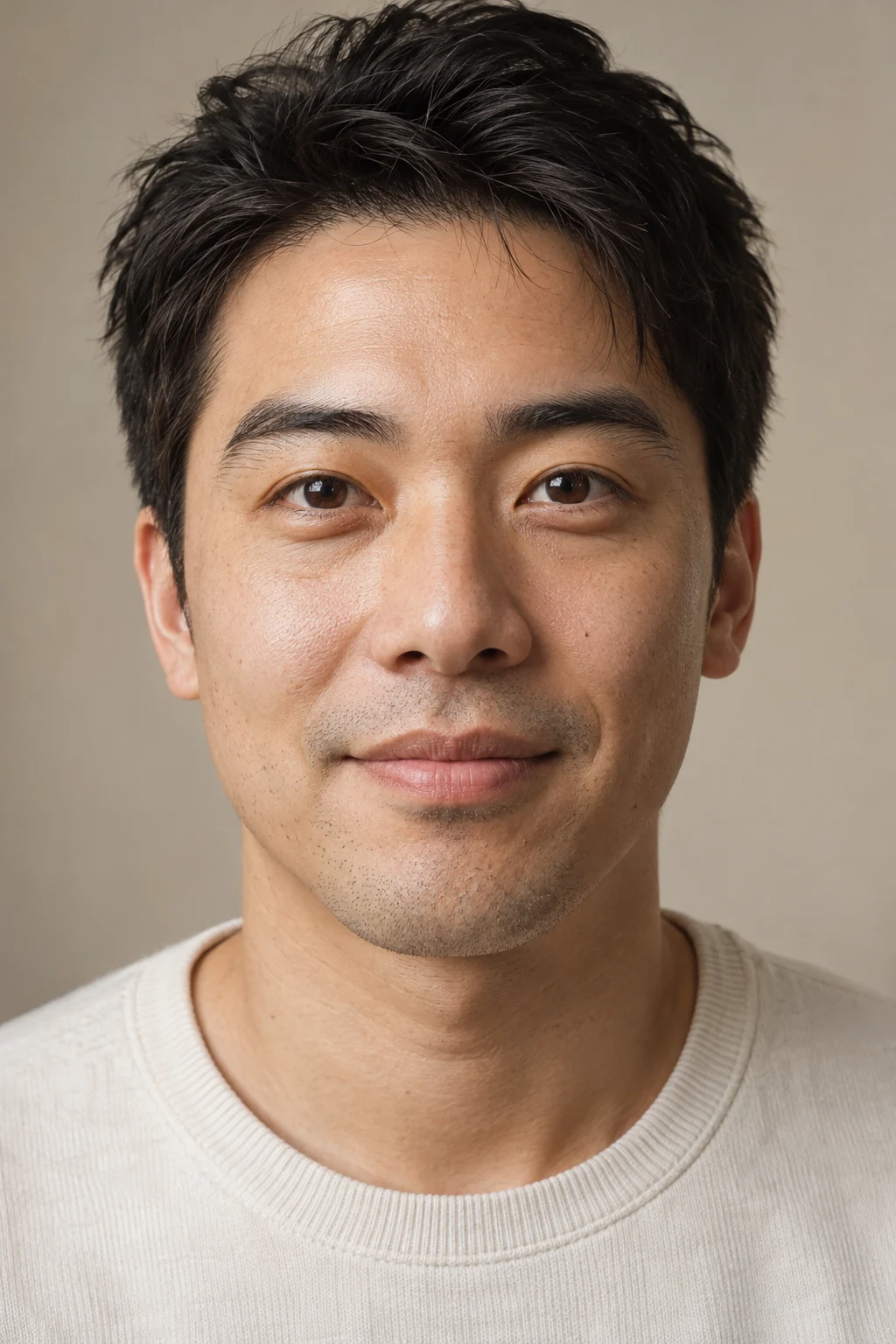
Creative freedom.Always in your hands.
Local-first
Core organization and editing happen on your device. You confirm optional cloud actions.
Originals preserved
Edits and exports are stored separately. Your originals stay unchanged.
Reversible photo edits
Edit history saves automatically, so you can return to an earlier photo edit.
Frequently asked questions
Which devices are supported?
The current preview targets macOS 14+ on Apple Silicon. Public downloads for other platforms are not yet available.
Are my photos uploaded?
Core organization and editing run locally. Optional cloud advice and generated copies are off by default, with separate confirmation before sending content.
Can I work with RAW?
System-supported RAW files can be read and developed. Capabilities depend on the camera and operating system, and real-camera image quality still needs verification. Choose the output source for RAW+JPEG pairs.
Which export formats are available?
Export sharing and high-resolution JPEGs, 16-bit TIFF masters, or original file copies. Choose purpose, dimensions and color space in the app.
How can I try it?
The app is in preview and verification. A public download link is still to be configured. Formal signing, notarization and external installation checks belong to the later distribution workflow.
FRAMADE / macOS preview
Your next creationstarts here.
Currently in preview. Some AI and RAW capabilities are still being verified with real photographs.
The app is in preview and verification. A public download link is still to be configured. Formal signing, notarization and external installation checks belong to the later distribution workflow.